
Why SVG Buttons Matter
Buttons are fundamental to web design, user interfaces (UI), and digital artwork. Whether you’re designing a website, app, or any digital platform, buttons guide users, trigger actions, and shape the overall user experience (UX).
SVG (Scalable Vector Graphics) has become a go-to format for interactive and visually striking buttons. Unlike raster formats like JPG or PNG, SVG is vector-based, built from math instead of pixels—so buttons stay crisp at any size.
Why SVGs Stand Out
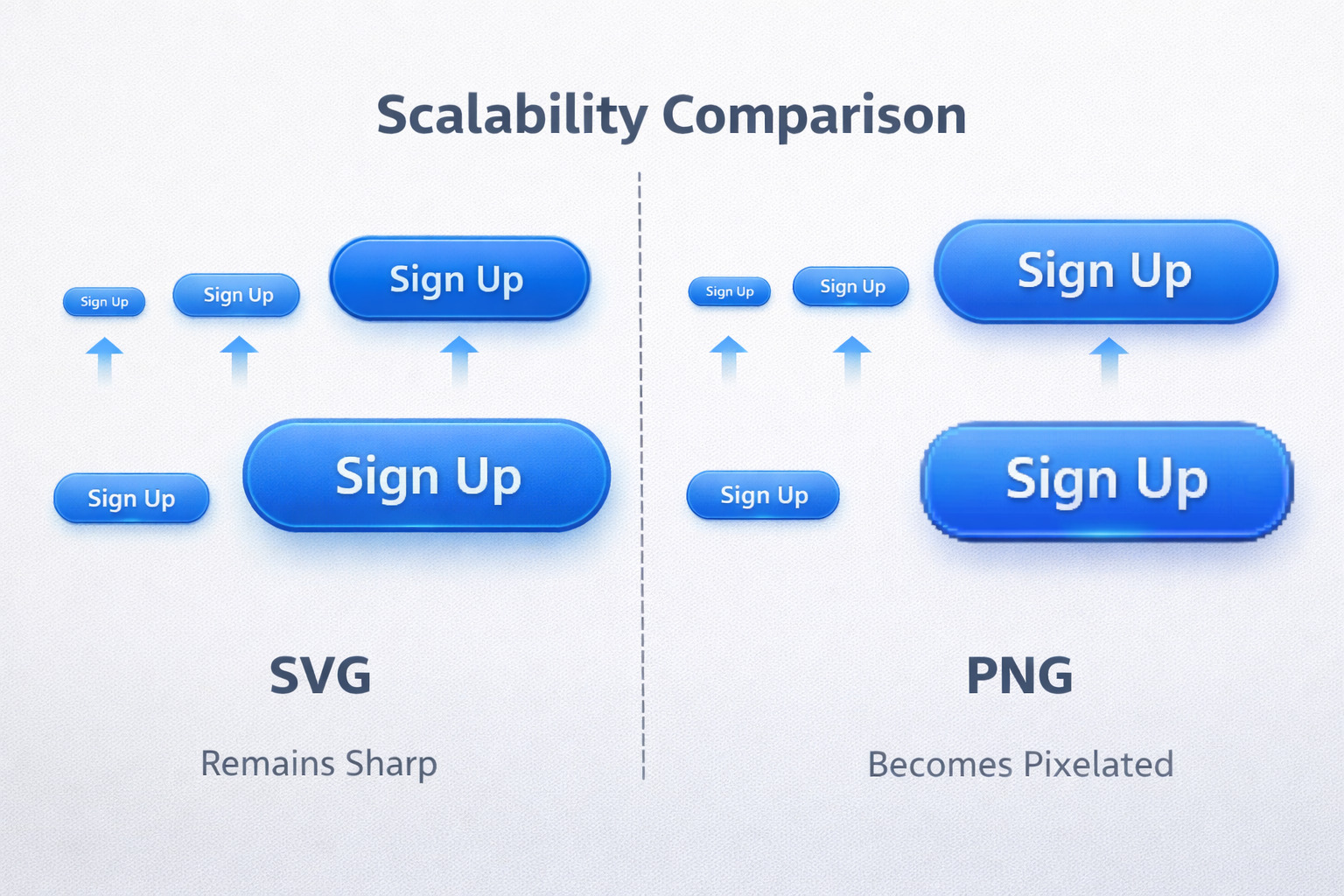
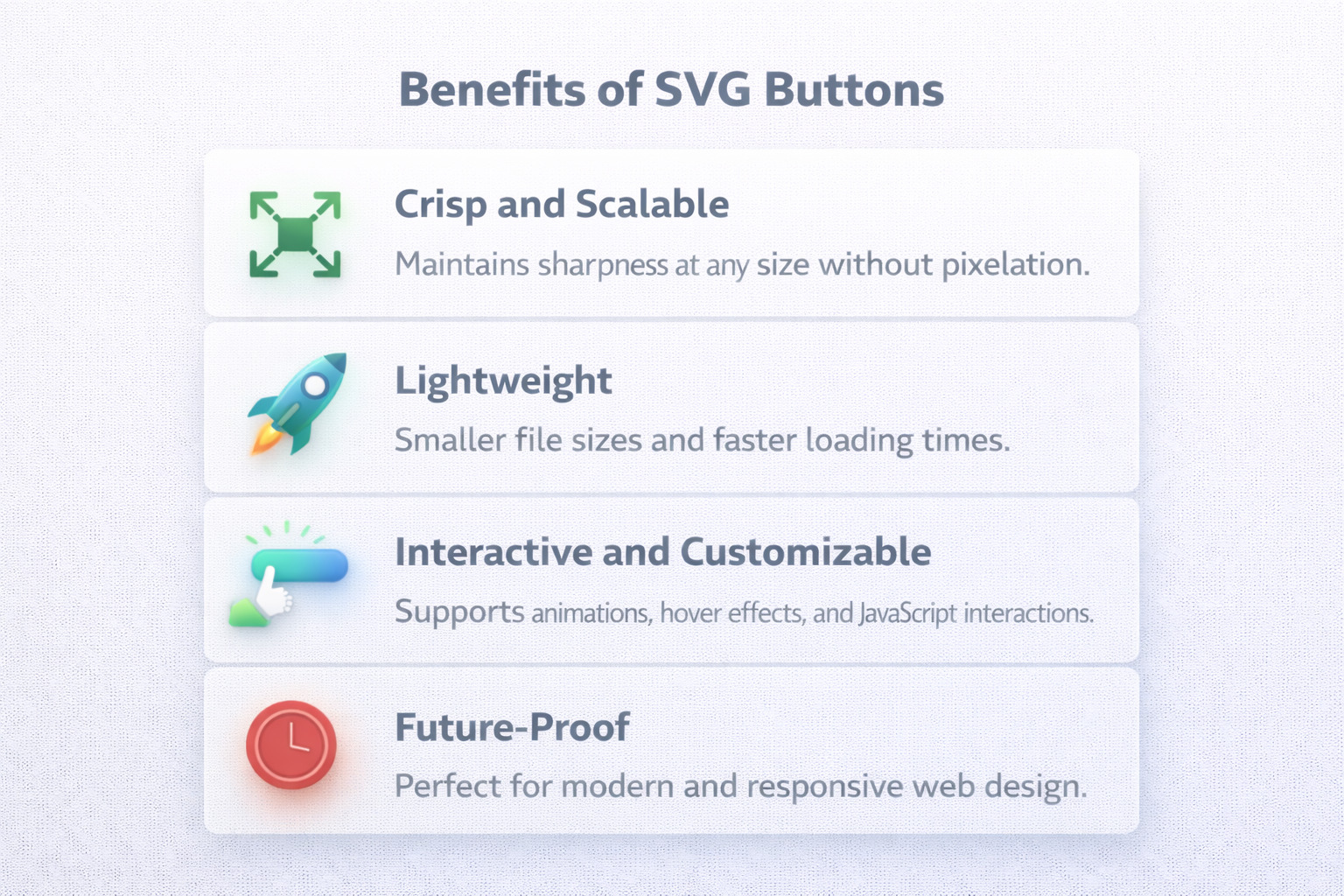
The key advantage of SVG lies in scalability. SVG buttons scale up or down without losing quality, which keeps designs sharp across desktop, tablet, and mobile.
SVGs are also lightweight, which helps load speed—good for UX and SEO. And because SVG can be styled with CSS and animated with JavaScript, it’s perfect for hover, click, and focus states.
| Feature | SVGs | Traditional Image Formats (e.g., PNG, JPG) |
|---|---|---|
| Scalability | Infinite scalability without losing quality. | Quality degrades when scaled. |
| File Size | Smaller for simple designs. | Larger for high-res images. |
| Interactivity | Hover/click/animation via CSS/JS. | Limited without extra assets. |
| Transparency | Supports alpha transparency. | PNG yes; JPG no. |
| SEO Benefits | Can be indexed when inline in HTML. | Not directly indexed. |
| Editing | Edit via code or vector tools. | Harder after export. |
| Animation | CSS/JS animation supported. | Needs GIF/video, etc. |
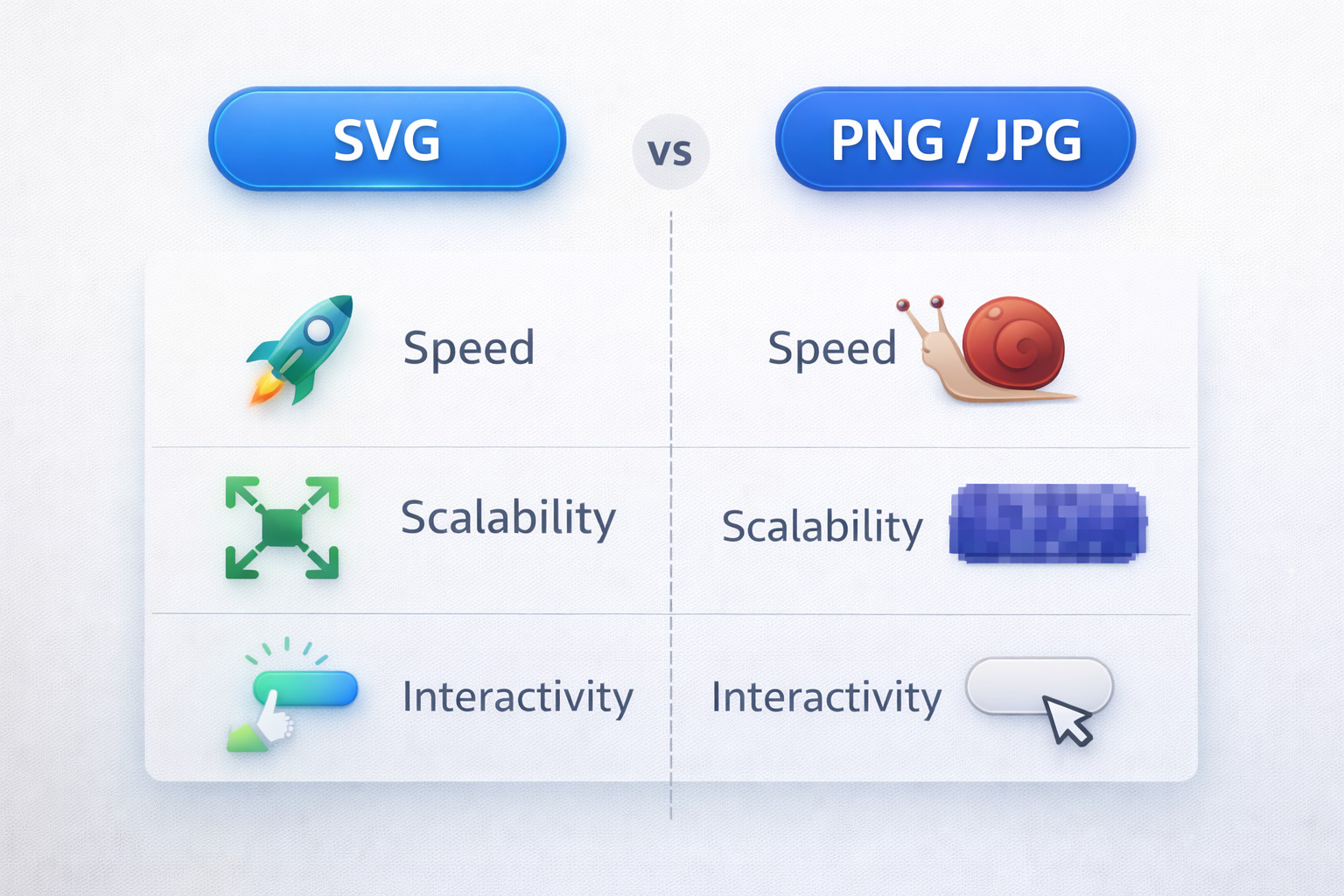
This guide covers the best SVG button makers—from beginner-friendly editors to advanced tools for animation and precise control.
What Are SVG Buttons?
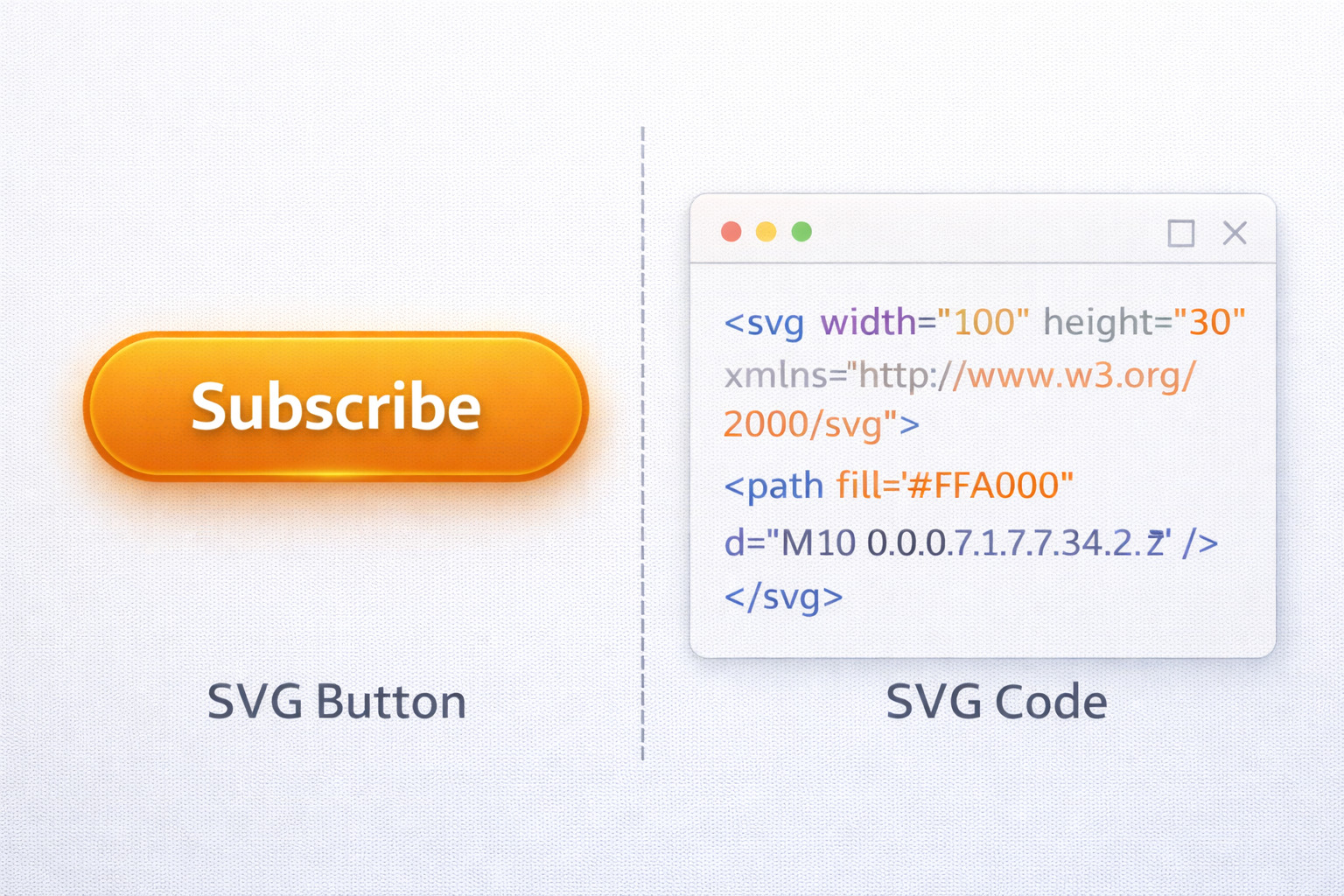
SVG buttons are vector-based UI elements described with XML markup. That structure makes them scalable, editable, and easy to style for interactive states.
- Scalability: stays crisp on every screen size.
- Interactivity: hover/click/focus states with CSS.
- Customizability: change colors/shapes/effects quickly.
Best SVG Button Makers
These tools help you create SVG buttons whether you’re new to vector design or building professional UI systems.
SVGator: The SVG Animation Tool
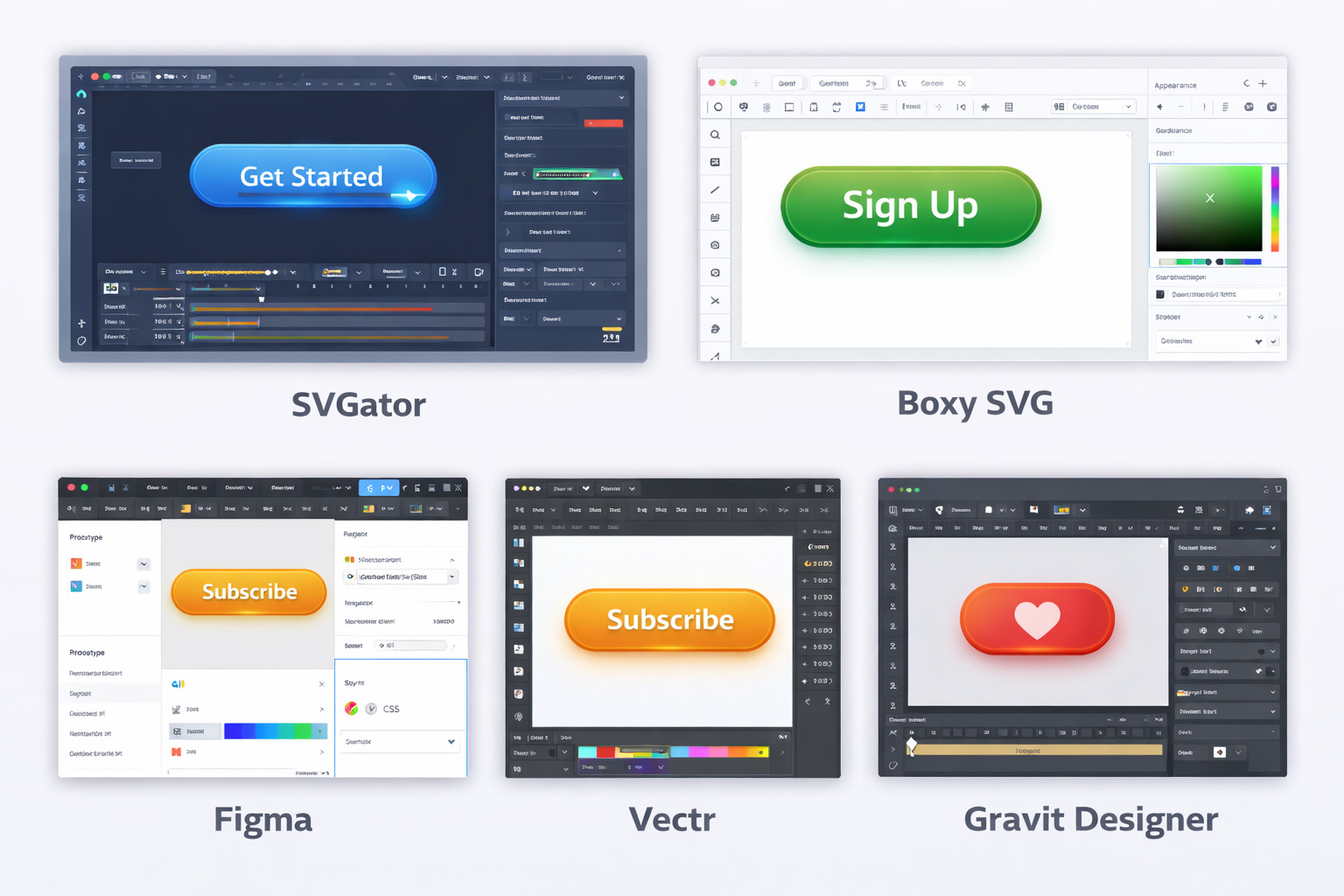
- Animation tools: scale, rotation, color transitions.
- Easy export: SVG code ready to embed.
- Customizable styles: shapes, sizes, colors.
- User-friendly: good for beginners.
Boxy SVG: A Robust SVG Editor
Boxy SVG is a full-feature vector editor for building buttons from scratch or editing templates. Great for gradients, shadows, and precise path control.
Figma: Collaborative Design with SVG Export
Figma is ideal for teams. You can design, prototype hover states, and export SVG assets or CSS-friendly specs.
Vectr: Simple and Free SVG Button Maker
Vectr is beginner-friendly with a drag-and-drop approach and fast SVG export.
Gravit Designer: Comprehensive Vector Design Software
Gravit Designer works across devices and offers strong vector tools and export options for web/UI workflows.
Quick Tip: Track Your Button Clicks (This Matters)
SVG buttons look great, but if you don’t track clicks, you’re guessing. These two tools help you create clean links, manage affiliate URLs, and see what buttons actually get clicked.
Affiliate disclosure: Some links may be affiliate links. If you purchase, we may earn a commission at no extra cost to you.
How to Create SVG Buttons: A Simple Step-by-Step Guide
1) Choose Your Tool
If you’re new, start with Vectr or Gravit. If you want more control, use Figma or Boxy SVG. If you want animation, SVGator is the go-to.
2) Design Your Button
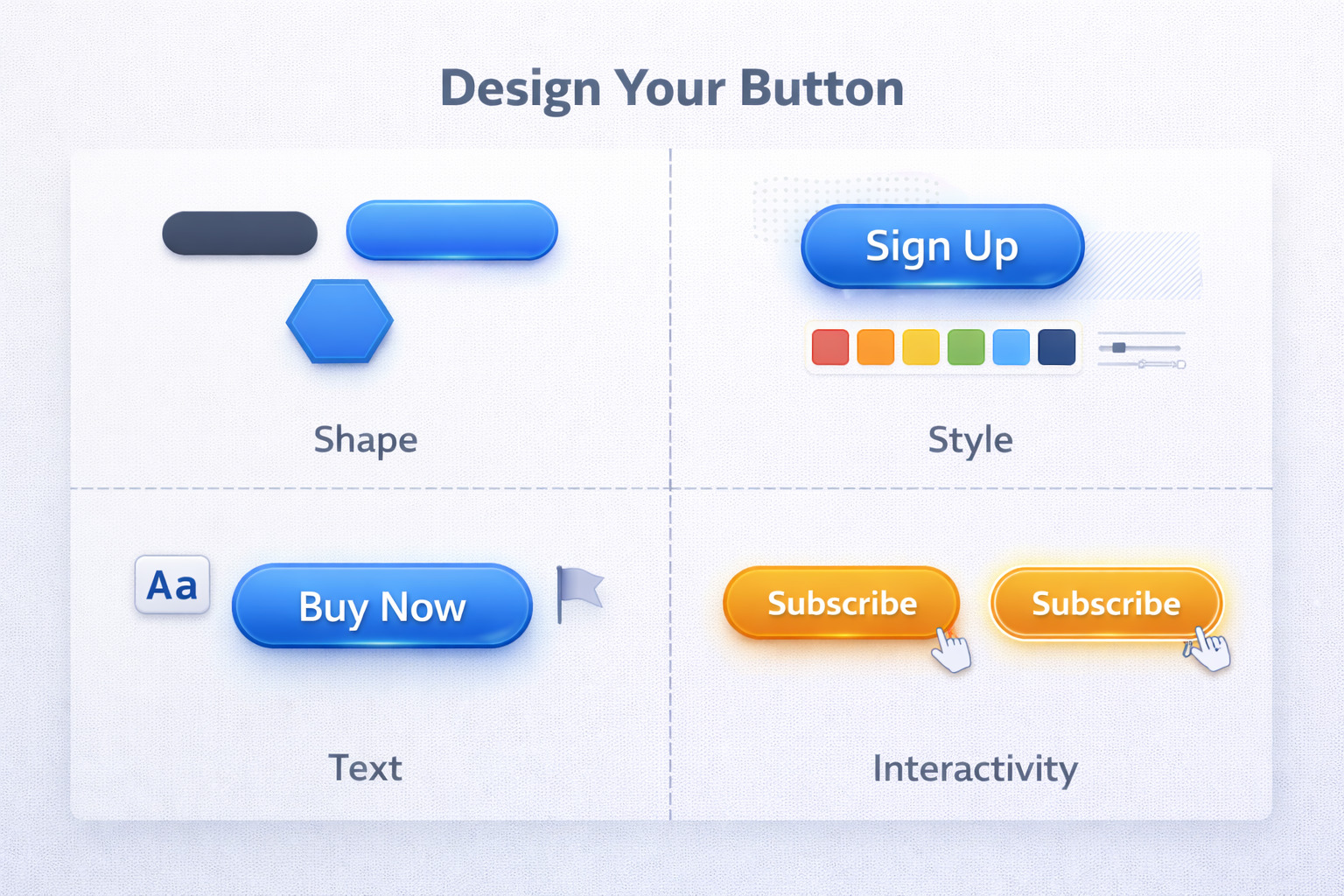
Start with a shape, then style it with color/gradient, borders, shadows, and a clear label (or icon). Keep contrast high for readability.
3) Add Interactivity
Add hover/click/focus feedback. Even a subtle color shift or shadow change improves UX and clarity.
4) Export the SVG
Export as SVG and optimize when possible (remove extra metadata, simplify paths, and keep the file lightweight).
5) Integrate into Your Website or App
You can embed SVG inline in HTML for maximum control, or link to an SVG file as an image asset. Always test on mobile and desktop.
Before You Publish: 5-Second Button Tracking Checklist
- Use a clean link: don’t paste messy affiliate URLs everywhere.
- Name your links: “svg-button-cta-top” beats “link123”.
- Track clicks: know which button placement is actually working.
- Keep links consistent: same offer = same link across pages.
- Test mobile taps: make sure the button is easy to hit.
Two tools that make this painless:
Affiliate disclosure: We may earn a commission if you purchase through these links, at no extra cost to you.
Why Choose SVG for Your Buttons?
- Infinite scalability: sharp at any size.
- High performance: lightweight and fast-loading.
- Customizable: style + animate with CSS/JS.
- Cross-browser support: consistent on modern browsers.
Want better buttons without the hassle?
Build clean button styles faster, keep them consistent, and make your UI feel more polished. Then copy what you need and publish.
Affiliate disclosure: Some links may be affiliate links. If you purchase, we may earn a commission at no extra cost to you.
Conclusion: Bring Your Buttons to Life with SVG
SVG buttons are a core part of modern web design. They scale perfectly, load fast, and support interactive states that make interfaces feel responsive.
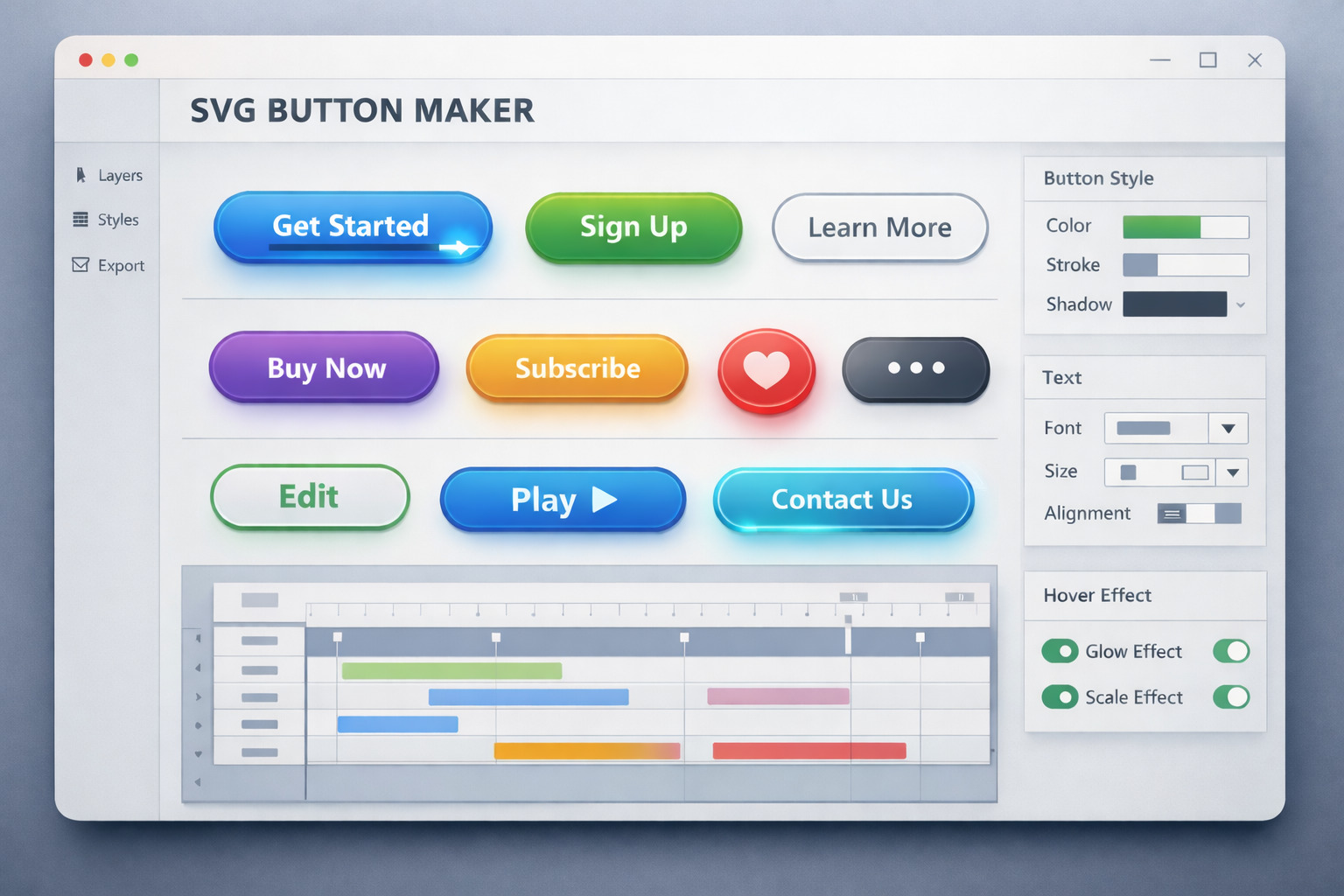
With tools like SVGator, Boxy SVG, Figma, Vectr, and Gravit Designer, you can craft buttons that look great and work smoothly across devices. Start designing today and build UI that feels sharp and modern everywhere.
Post a Comment
Tell us what tool you use (Figma, SVGator, etc.) and what kind of button you’re building (CTA, menu, form submit, etc.).
(Keeps the page fast on mobile.)
Join the Conversation
Quick question: do you prefer SVG buttons for speed, sharpness, or animation? Drop your answer below. If you want feedback, share your URL + what action you want people to take.